
Tutorial by D. Ronchi (CNR ISPC)
Reality Scan is a free tool from Epic to create detailed 3D models (digital replicas) from images and laser scans with ease. Exporting multi-resolution 3D models for ATON using the Cesium 3D Tiles standard is quite easy.
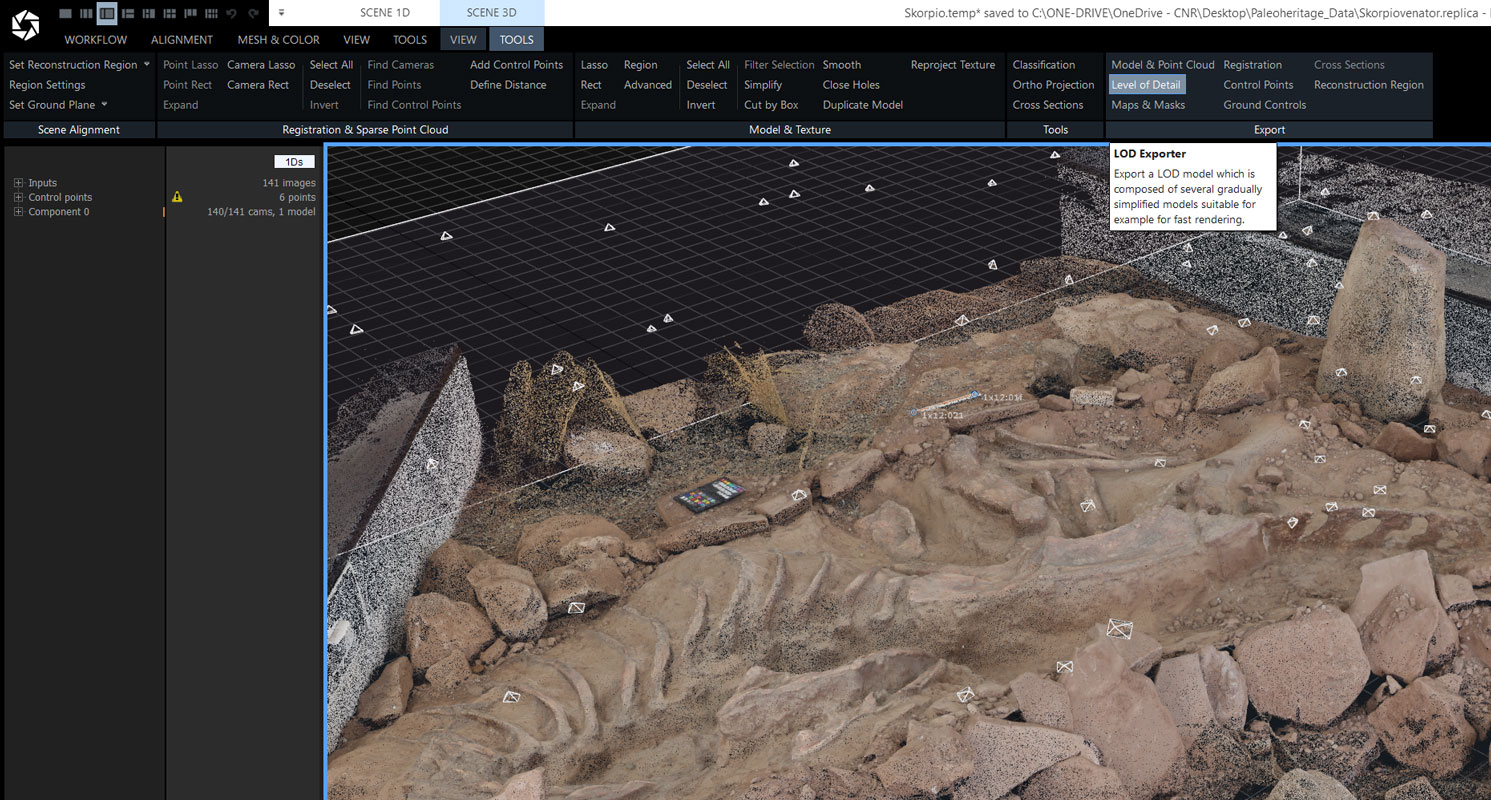
In your Reality Scan project, go to SCENE 3D – TOOLS – Export and Click Level of Detail
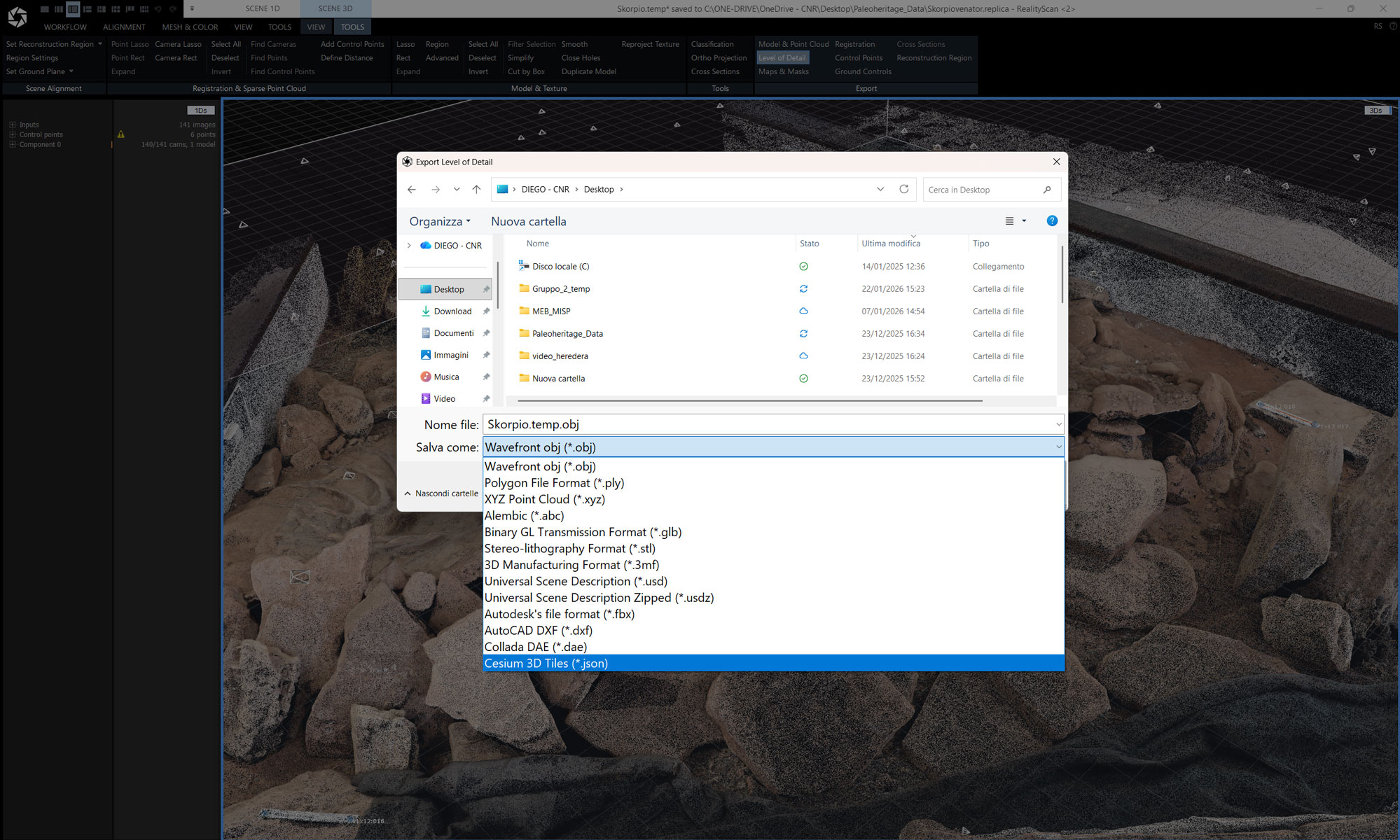
Select Cesium 3D Tiles
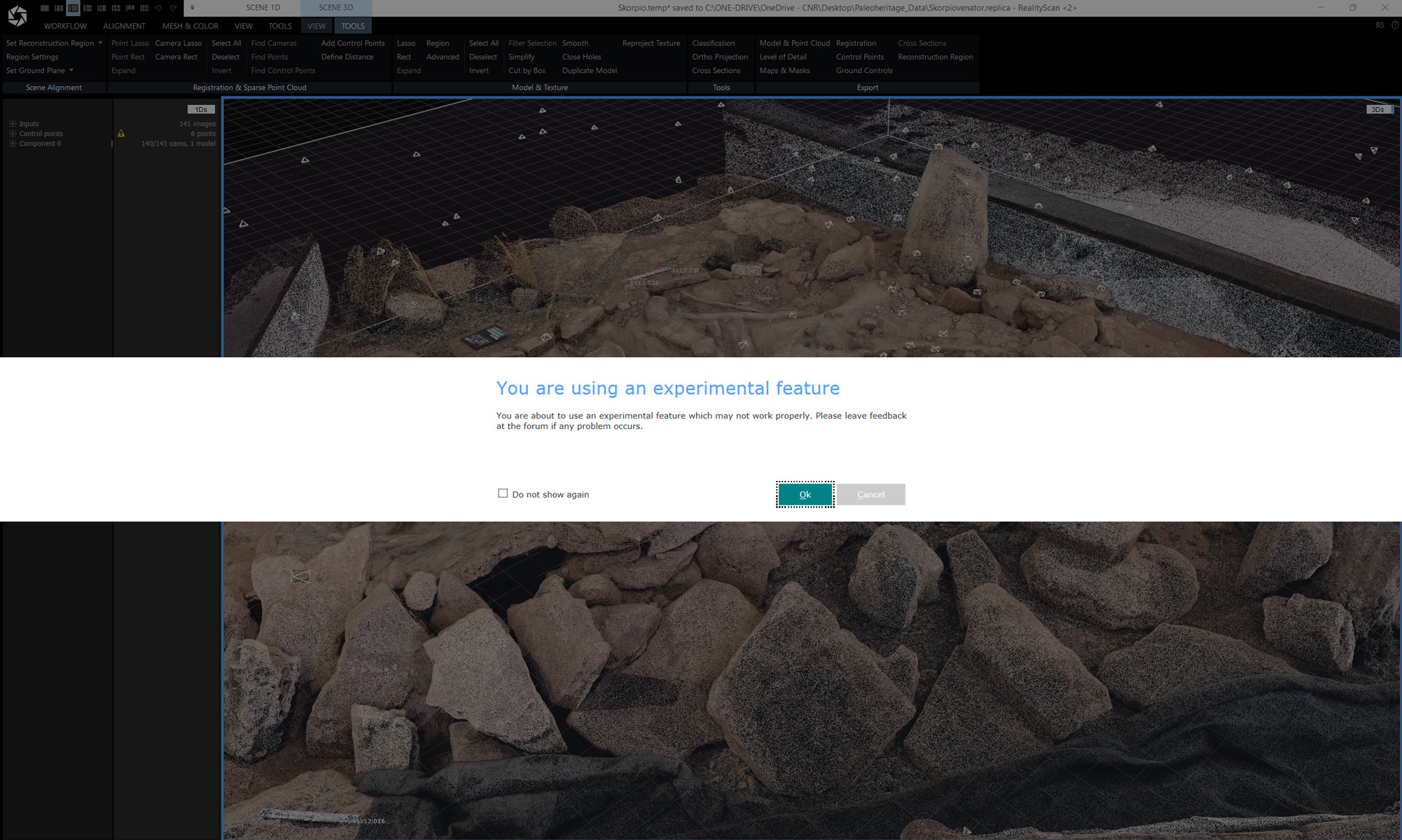
You are using an experimental feature: ignore and click ok
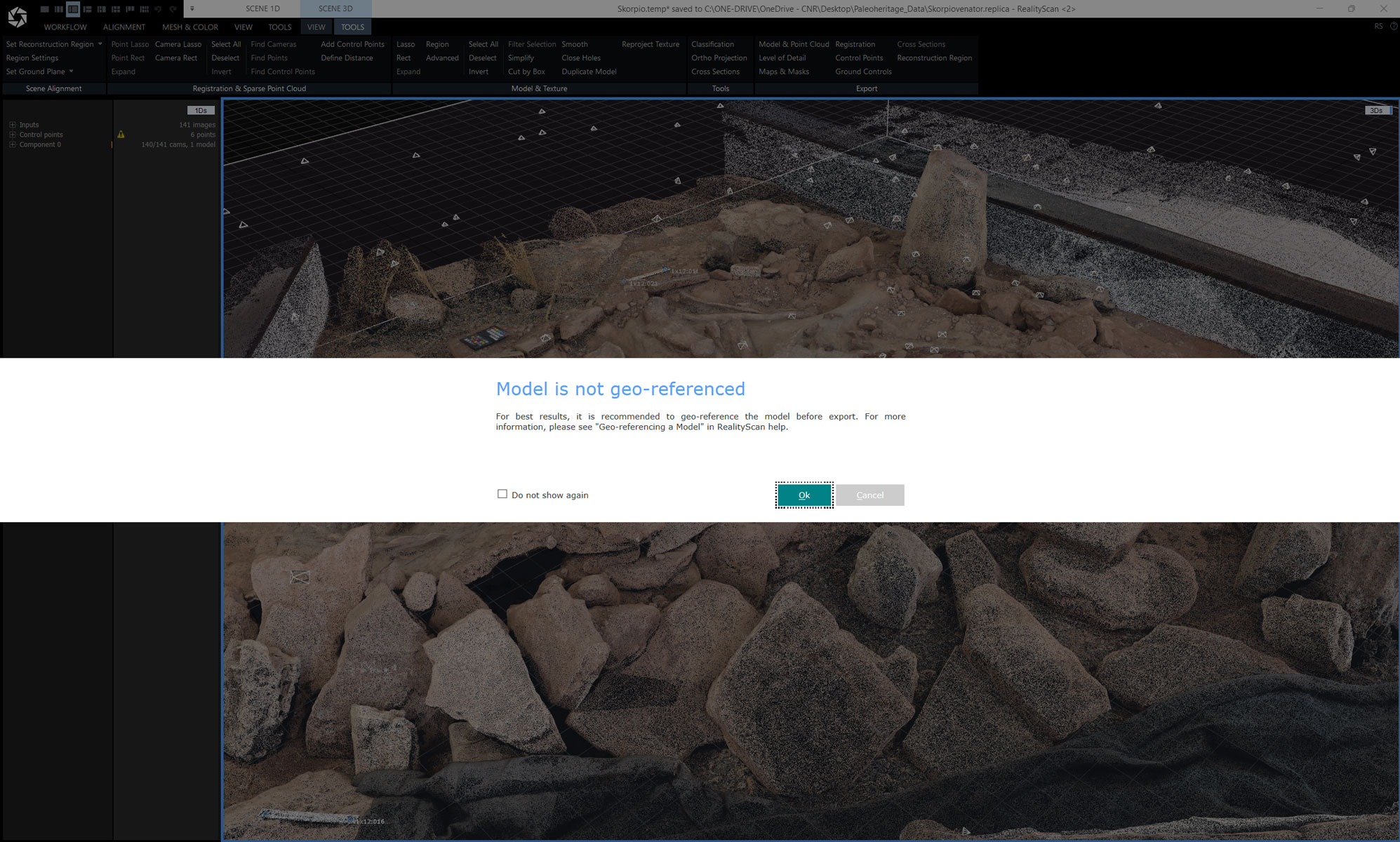
Model is not geo-referenced: if not geo-referenced ignore and click ok
This dialog below is shown when the Cesium 3D Tiles format is selected. Hierarchical level of detail splits the model into a hierarchy of so-called nodes of varying quality. When displaying the model in a compatible viewer (like all ATON-based Web3D applications), only some of the nodes are requested and displayed to sustain rendering performance, while showing detailed geometry and textures. Provided that the model being exported is geo-referenced, the geospatial location of the model is preserved.
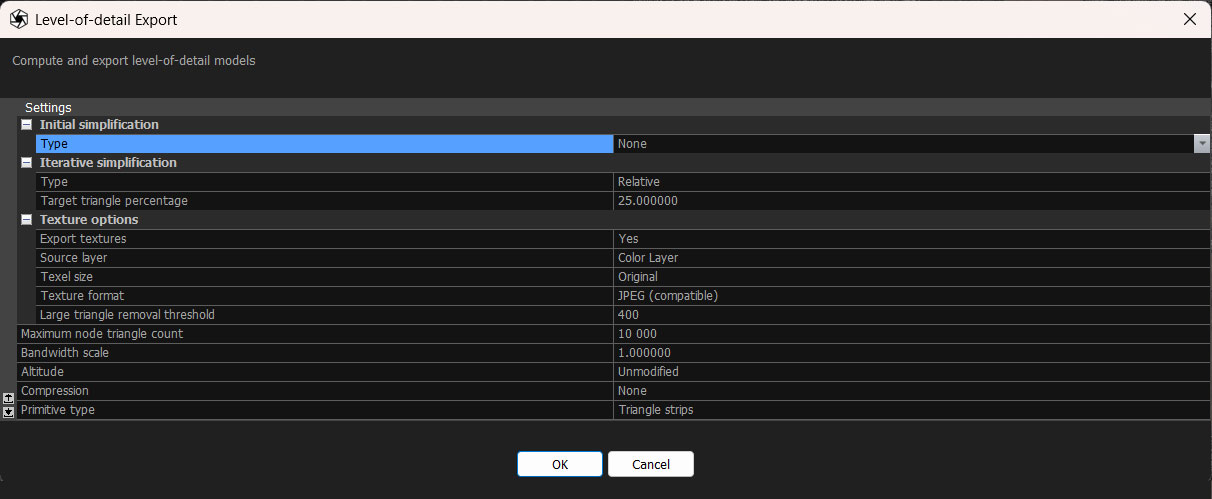
- Initial simplification: This lets you simplify the model before exporting. This directly controls the maximum detail that can be found in the exported model.
- Set Type to None to omit initial simplification
- Set Type to Relative in order to reduce the triangle count with respect to the original model
- Set Type to Absolute to specify a custom triangle count
- Iterative simplification: This specifies the simplification step used to generate the next level of detail. Currently the only allowed setting for Type is Relative.
- Export textures: This controls whether textures are exported. Please note that the exported model must have a texture in order to be able to export.
- Source Layer This selects which texture layer will be used for texturing.
- Texel size Specifies the best texture quality that can be found in the exported model. A lower texel size corresponds to increased quality.
- Texture Format Chooses the format for the texture, the options are .webp, .jpg or .png. (.png.or jpg for better compatibility)
- Maximum node triangle count: This determines the granularity of decomposition of the model into nodes. Decreasing this value results in a finerhierarchy of nodes.
- Bandwidth Scale: This will give a faster streaming, lower quality model on settings below 1, and a slower streaming higher quality model on Settings above 1.
- Altitude:This is used to tweak the height of the model above the terrain.
- Compression set to NO
The resulting folder with all the tiles can be now uploaded into your ATON collection and used in a 3D scene!